The Shot List Method: Turn One Idea Into 12 AI Video Clips You Can Actually Edit
The Shot List Method: Turn One Idea Into 12 AI Video Clips You Can Actually Edit
Most AI video workflows fail for one boring reason: you start with “a cool prompt” instead of a shot list.
Prompts are infinite. Deliverables are not.
If you’re a creator or marketer trying to ship weekly content, the goal isn’t to generate a video—it’s to generate a set of usable clips that:
- look like they belong to the same campaign
- feature the same character (often you)
- can be assembled into a trailer, ad, Reel/TikTok, or landing-page hero
- are easy to revise without re-rolling everything
This post is a practical workflow you can run in ~60–90 minutes to turn one concept into 12 clips (a full “clip pack”) using AI video generation, image-to-video, and an editor-first mindset.
From the timeline / worth watching
Note: X (Twitter) wasn’t readable/extractable in this environment (the page content didn’t load), so I used YouTube sources instead.
-
https://www.youtube.com/watch?v=G-wMcgcb9os
Takeaway: A multi-shot mindset (coverage + variations) beats chasing the “perfect” single generation. -
https://www.youtube.com/watch?v=7zQmKfS2uik
Takeaway: Storyboard-to-shots workflows help you keep continuity and make edits without starting over.
Who this is for (and the promise)
Audience: creators, solo marketers, and small teams shipping social ads, product trailers, and brand content.
Practical promise: by the end, you’ll have a repeatable method to:
- translate one idea into a shot list that AI understands
- generate consistent clips (including image-to-video when it matters)
- assemble and iterate in an editor so you can actually publish
The core idea: stop prompting “videos,” start prompting “coverage”
In film terms, coverage is the set of shots that lets you cut a scene together:
- an establishing shot
- a medium shot for clarity
- close-ups for emotion/details
- a couple of cutaways
- a few movement options
In AI video terms, “coverage” means you generate a bundle of clips that share:
- the same character identity
- the same location and styling
- compatible camera language
- consistent duration and framing
Instead of praying for one generation to carry the whole concept, you’re building something an editor can shape.
The Shot List Method (12 clips)
Here’s the template. You can copy/paste it into your workflow doc.
Step 1) Write a one-sentence “deliverable brief”
Keep it brutally specific.
Example:
“A 20-second trailer for my newsletter that shows me (the host) in a futuristic studio, teasing 3 topics, with punchy cuts and a confident tone.”
This sentence becomes your filter: if a clip doesn’t support the deliverable, it doesn’t belong in the pack.
Step 2) Define 4 anchors (character, location, style, motion)
These anchors are what you repeat across generations.
- Character: who is on screen? (often you)
- Location: where are we?
- Style: lighting, lens vibe, color palette
- Motion: camera movement + subject movement rules
Example anchors:
- Character: “consistent AI character of the creator, mid-30s, short dark hair, minimal wardrobe, confident expression”
- Location: “sleek neon studio with screens and soft haze”
- Style: “cinematic, crisp, high contrast, teal/magenta accents, shallow depth of field”
- Motion rules: “slow dolly-in only; no chaotic handheld; subtle head movement; natural blink”
When you later use mAikBelieve, these anchors are exactly what you want to keep stable while you vary the shot.
Step 3) Produce your 12-shot list (with purpose)
Each shot has a job. Here’s a balanced pack for most creator/marketing trailers:
- Establishing wide (sets the world)
- Medium on character, talking (core message)
- Close-up on character (authority/emotion)
- Over-the-shoulder to screen (proof / “what you’ll get”)
- Cutaway detail (hands, keyboard, mic, product)
- Reaction shot (smile, eyebrow raise, beat)
- Second angle medium (editing flexibility)
- Side profile / three-quarter (style + variation)
- Motion shot (dolly in / orbit)
- Text plate / negative space shot (for on-screen copy)
- B-roll loop (background movement to cover edits)
- End card shot (hero pose for CTA)
If you only generate 3 clips, you’ll be forced to “make it work.” If you generate 12, you’ll have options.
The workflow: from shot list → clip pack → edit
Phase A: Lock character consistency (the “master reference”)
If the video is “starring you,” treat your identity like a brand asset.
Best practice:
- generate (or upload) a strong reference image of the character
- keep wardrobe and hair stable
- avoid prompts that force huge facial changes (age jumps, extreme expressions)
Why this matters: once you have a master reference, image-to-video becomes your reliability lever. Text-to-video is great for exploration; Img2Vid is great for repeatability.
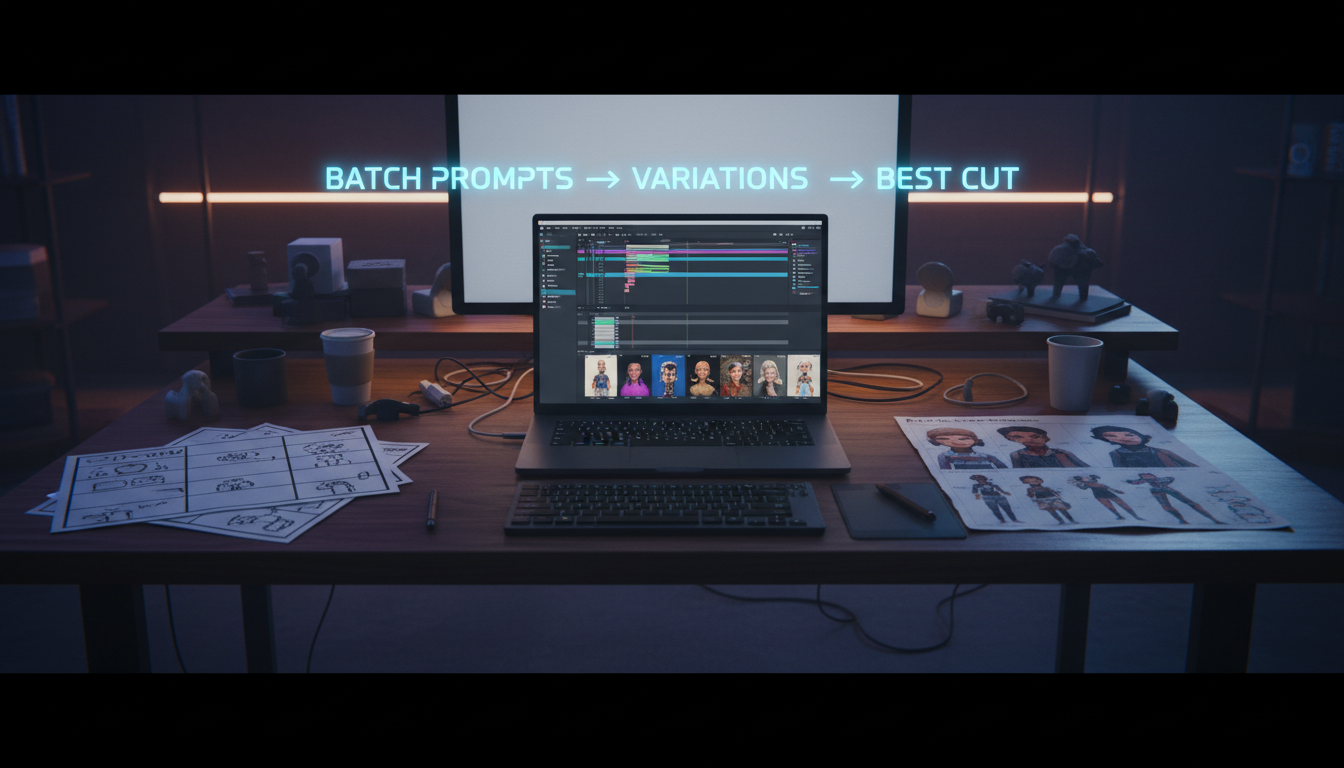
Phase B: Generate clips in two passes (don’t do it randomly)
Pass 1: Base coverage (6 clips)
Generate shots 1–6 with conservative motion. Your goal is “clean, usable, consistent.”
Pass 2: Variations and spice (6 clips)
Generate shots 7–12 with controlled variation:
- change the framing (medium → tight)
- change the camera move (static → slow orbit)
- swap one prop/screen graphic
- adjust expression (neutral → confident smile)
Rule: vary one dimension at a time. If you vary location + wardrobe + lens + motion, you’re not iterating—you’re restarting.
Phase C: Assemble in an editor immediately
This is where most people delay—and then they drown in generations.
Drop your 12 clips into a timeline and do a fast “ugly cut”:
- choose the best 6–8 clips
- trim to the beat (or voiceover)
- add text overlays where you planned negative space
- mark gaps (“need one more close-up,” “need cleaner end card”)
Then generate only the missing pieces.
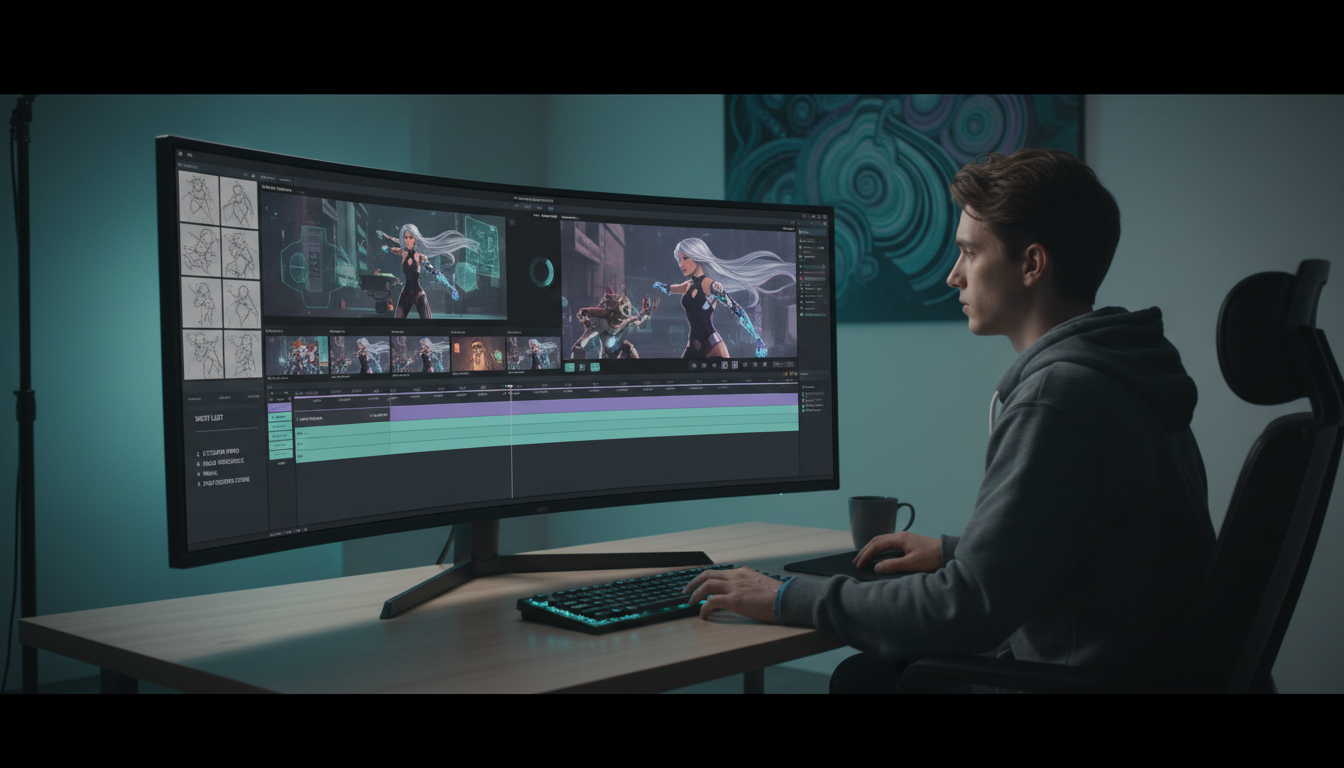
mAikBelieve’s advantage here is the editor-first approach: create trailers/videos starring you, generate clips (including image-to-video), and shape them with an editor instead of living in prompt roulette.
A short actionable workflow you can run weekly
Here’s a repeatable weekly system for creators/marketers.
- Monday: write 1 deliverable brief + anchors (10 min)
- Generate: produce the 12-shot clip pack (30–60 min)
- Edit: assemble a 20–30s trailer + 2 short cutdowns (30–45 min)
- Patch: generate 1–3 missing shots (15 min)
- Publish + recycle: turn leftovers into B-roll for next week
Over time, your anchors become a “house style,” and your character becomes consistent across campaigns.
Common failure modes (and fixes)
Failure mode 1: “All my clips look different”
Fix: lock anchors and use Img2Vid for at least half your pack. Use one master reference image and keep the scene consistent.
Failure mode 2: “The motion is weird / chaotic”
Fix: specify motion rules. Ask for “slow dolly-in, stable camera, subtle natural movement.” Avoid stacking multiple camera moves.
Failure mode 3: “I can’t edit this into a story”
Fix: you generated vibes, not coverage. Add:
- an establishing shot
- a medium talking shot
- negative space for text
- a clean end card
Failure mode 4: “I keep regenerating instead of shipping”
Fix: adopt a hard rule: edit after 6 clips. Editing reveals what you actually need.
Checklist: your next AI clip pack
- [ ] One-sentence deliverable brief
- [ ] Anchors: character, location, style, motion rules
- [ ] 12-shot list with purpose (coverage + variations)
- [ ] At least 6 clips generated from a consistent reference (Img2Vid)
- [ ] First ugly cut in the editor within 30 minutes
- [ ] Only patch missing shots after the edit reveals the gaps
Make it in mAikBelieve (a practical CTA)
If you want this workflow to feel straightforward instead of chaotic, build it inside mAikBelieve:
- Create trailers/videos starring you with a consistent AI character
- Generate clip packs quickly (including image-to-video / Img2Vid when you need reliability)
- Keep only the best takes and assemble them in the built-in editor
- Export a hero trailer plus cutdowns for ads and socials
If you already have a concept, start with the 12-shot list above and make your next “clip pack” today.
Want a follow-up? I can share a few shot-list templates specifically for: product launches, creator newsletters, and local business ads.
Related Articles
Ready to Create Amazing AI Videos?
Join thousands of creators using mAikBelieve to generate stunning AI-powered trailers and stories.
Get Started Free