
The One‑Page Brief That Makes AI Video Actually Consistent
AI video is entering a new phase.
In the last 48 hours, timelines have been full of people comparing prompt adherence, audio sync, and motion realism across the newest models—because the gap is finally big enough to feel in real projects, not just demo reels.
- A quick “verdict” thread comparing Seedance, Veo, and Sora framed it well: prompt adherence and complex motion are becoming the deciding factors, not just raw sharpness (comparison post).
- Meanwhile, news accounts are already treating Seedance 2.0 as a “real” release worth covering—not a rumor (release note).
Here’s the twist: as models get better at following prompts, your workflow matters even more. If your prompt is vague, the output will be consistently vague.
The real bottleneck: not generation — pre‑production
Most AI video failures are not “the model messed up.” They’re “we didn’t decide what we wanted yet.”
When you don’t lock down basics—who the character is, what they’re trying to do, what each shot needs to communicate—you end up in an expensive loop:
- Generate a cool clip.
- Realize it doesn’t match the next clip.
- Rewrite the prompt from scratch.
- Lose continuity.
- Repeat.
The solution is boring (and extremely effective): a one‑page brief.
The One‑Page AI Video Brief (steal this)
You can fit this in a single doc. The goal is to reduce “creative ambiguity” before you generate anything.
1) Logline (1 sentence)
What is the story really about?
“A rookie astronaut must bluff their way through a high‑stakes docking to save their crew.”
2) Tone + genre + pace (3 bullets)
Pick constraints, not adjectives.
- Tone: tense but hopeful
- Genre: grounded sci‑fi
- Pace: quick cuts, no lingering shots
3) Visual bible (5–8 tokens)
These are the anchors you keep repeating.
- tungsten practicals
- shallow DOF
- handheld micro‑shake
- clean NASA‑adjacent suit
- subtle film grain
- muted teal + amber highlights
4) Cast + continuity (2–4 bullets)
Define what must not change.
- Protagonist: late‑20s, short curly hair, visor scratches on helmet
- Key prop: wrist tablet with a cracked corner
- Environment: cockpit with three round portholes
5) Shot intent list (6–10 lines)
Not “what happens,” but what each shot must do.
- Shot 1 (0–2s): establish danger (alarm lights + shaking)
- Shot 2 (2–5s): show goal (target docking ring)
- Shot 3 (5–8s): show decision (hand hovering over manual override)
- Shot 4 (8–12s): show consequence (hard impact, breath fog)
6) Dialogue / VO beats (optional)
One line per beat. Don’t write a novel.
7) Guardrails (the anti‑bugs)
These are your “don’t do this” rules.
- No extra characters
- No costume changes
- No sudden time of day changes
If you do nothing else, do this. It’s the difference between “clips” and “a film.”
Where mAikBelieve fits (and why it’s faster)
A one‑page brief is exactly what mAikBelieve is designed to amplify.
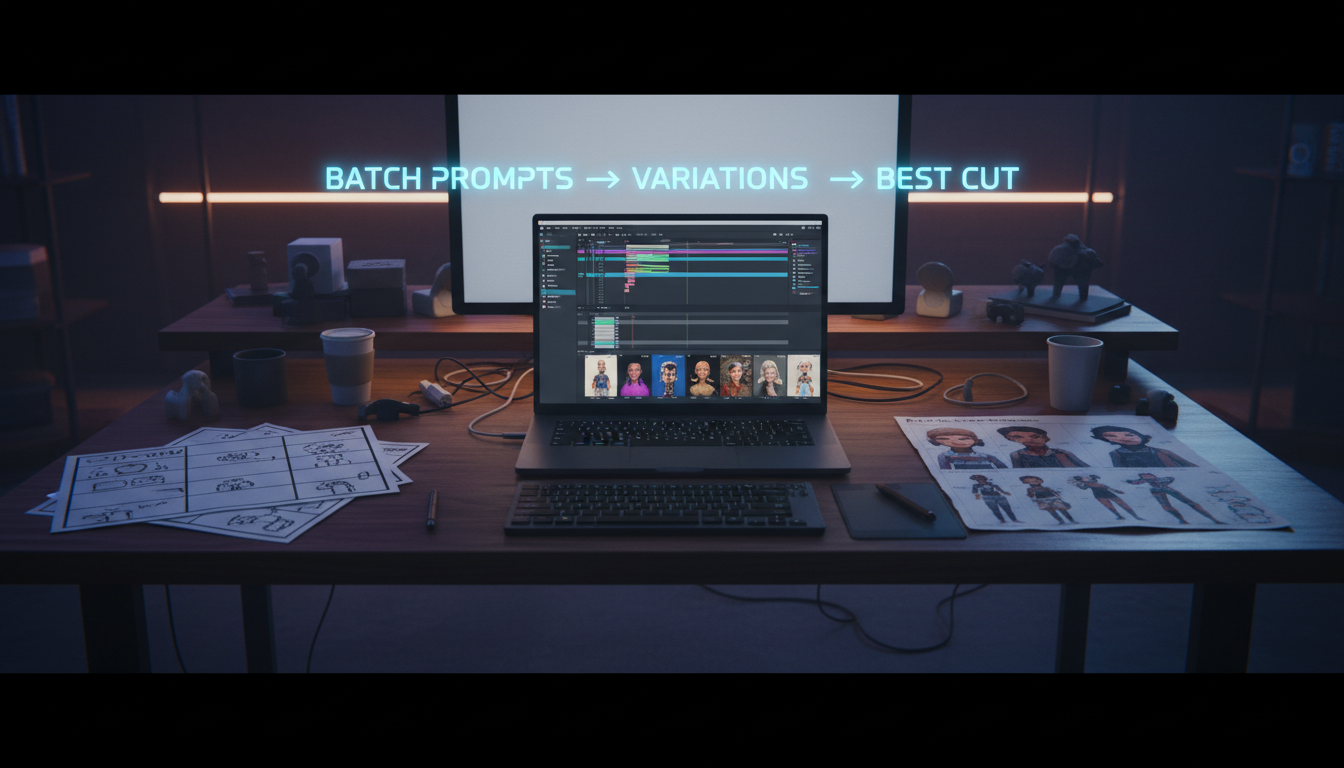
Instead of starting from a blank prompt every time, you start with an idea + constraints, and mAikBelieve helps you:
- generate a script that matches the tone you picked
- translate it into a storyboard (shot intent, order, timing)
- produce editable final cuts so you can iterate like an editor—not like a gambler
You’re not just generating video. You’re generating a plan that the model can obey.
If you want to see why the conversation is shifting from “which model looks sharpest?” to “which workflow ships stories?”, this quick breakdown is a good snapshot of the moment (Seedance 2.0 overview video).
Try this today (15 minutes)
- Write your one‑page brief.
- Turn it into a storyboard.
- Generate the first 6–10 shots.
- Edit the cuts until the story reads cleanly.
That’s the creator advantage in 2026: better planning + faster iteration.
Related Articles
Ready to Create Amazing AI Videos?
Join thousands of creators using mAikBelieve to generate stunning AI-powered trailers and stories.
Get Started Free