
Director Mode AI Video Is Here — Here’s How to Ship Multi‑Shot Stories
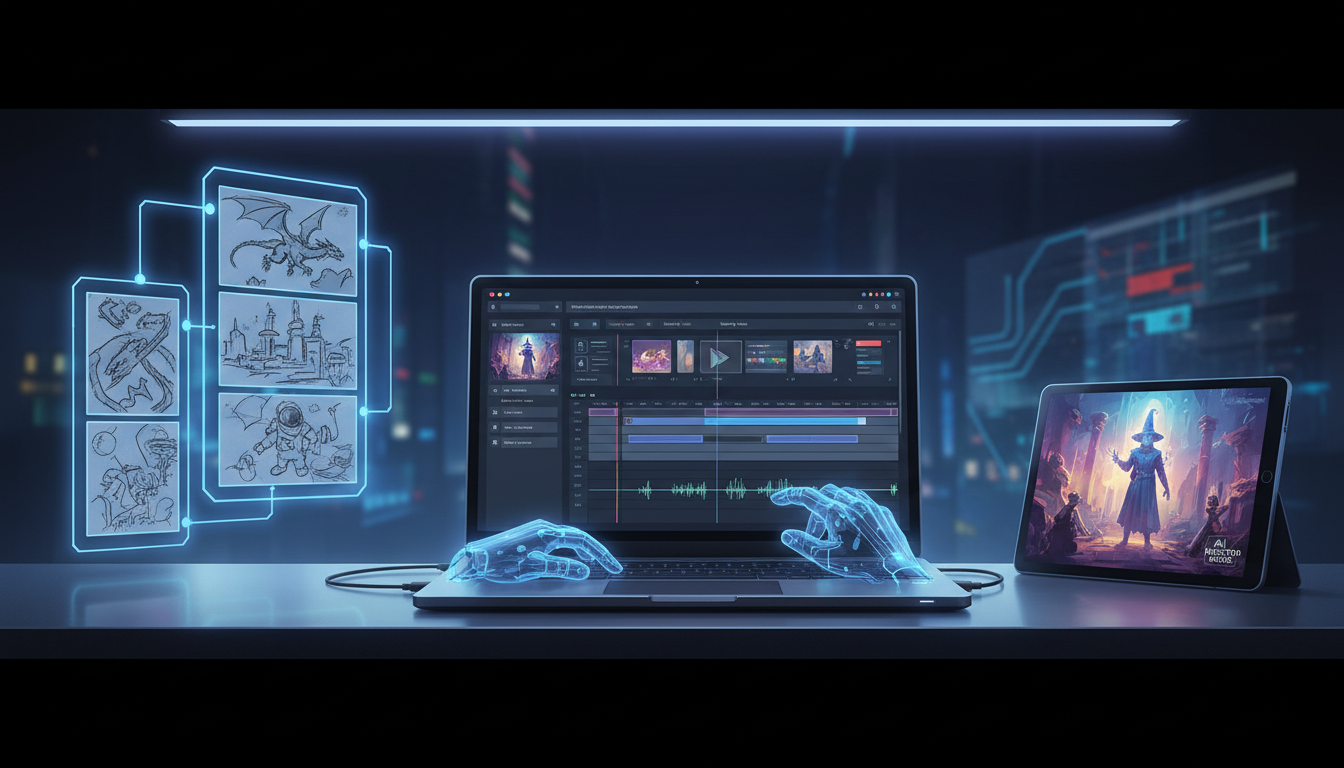
Multi-shot AI video is crossing a threshold: we’re moving from single “cool clip” generation to sequence-level filmmaking — with character consistency, shot-to-shot intent, and (in some cases) audio becoming part of the same generation loop.
That’s exciting… and it also changes what matters.
When everyone can generate a clip, the creators who win are the ones who can reliably generate the right clip, in the right order, with the same cast, in the same style.
What “director mode” really means
The biggest shift isn’t “better pixels.” It’s control:
- Repeatable characters (your lead looks like your lead, every time)
- Multi-shot sequences (setup → action → reaction → punchline)
- Editable structure (you can swap a shot without rebuilding the whole thing)
That’s basically a lightweight version of a real production pipeline.
The real bottleneck: keeping a story coherent
Even with today’s best models, the hard part is still the same:
- Your character drifts between shots
- Your camera language drifts (wide → random close-up → awkward crop)
- Your pacing drifts (cool moment, then dead air)
The fix isn’t “prompt harder.” The fix is to plan the sequence and then generate assets to match the plan.
The MaikBelieve workflow: ship a multi-shot story in one sitting
MaikBelieve is built for the part most people skip: turning a messy idea into a complete, editable video.
Here’s a simple workflow that stays fast but keeps control.
1) Lock your cast first
Start by creating your main character(s) in MaikBelieve. Your goal is a “casting sheet” you can reuse:
- name + role (hero, narrator, villain, sidekick)
- the 3–5 traits that must never change (hair, silhouette, wardrobe vibe, tone)
Once your cast is stable, everything downstream gets easier.
2) Write a 6-beat sequence (not a paragraph)
Instead of a big prompt, create a shot list:
- Beat 1: establishing
- Beat 2: problem
- Beat 3: attempt
- Beat 4: complication
- Beat 5: payoff
- Beat 6: tag / CTA
This structure gives you “handles” you can edit later.
3) Generate images first when you need consistency
If a shot must match (same character, same outfit, same lighting), generate a still image first — then turn that into a clip.
This is the fastest way to:
- keep faces consistent
- keep wardrobe consistent
- keep art direction consistent
4) Turn each beat into a clip (one intention per clip)
For each beat, generate a clip with a single clear intent:
- “walks into frame”
- “turns and reacts”
- “close-up, delivers one line”
Avoid packing multiple actions into one generation. You’ll get more usable takes.
5) Edit like a director, not a prompt engineer
Bring clips into MaikBelieve’s editor and focus on the stuff that actually makes videos feel professional:
- shorten dead air
- match cuts (action → reaction)
- reorder beats if pacing is off
- swap the one weak shot instead of restarting the project
6) Export versions (the hidden growth lever)
Once the sequence works, export variants:
- 9:16 for Shorts/Reels
- 16:9 for YouTube
- a “cold open” version and a “story-first” version
Same assets, multiple outcomes.
Why this matters now
As AI video gets more powerful, the surface area for misuse also grows.
“Looks real” isn’t the same as “is ethical.” When you’re making trailers starring you (or your customers), consent and provenance matter — and keeping your workflow organized makes that easier.
Featured posts
“Using only his photo, the system automatically generated a video that not only replicated his appearance but also produced his voice — even though he had never explicitly authorized it.”
— from this post on X
Featured clips
If you want a practical breakdown of what “multi-shot” capabilities unlock, Seedance 2.0 Claims the AI Video Throne! is a solid watch.
The takeaway
The next era of AI video isn’t “type prompt, get movie.” It’s directing:
- cast
- shots
- sequence
- edit
MaikBelieve exists to make that repeatable — so you can spend your energy on the story, not on fighting drift.
Related Articles
Ready to Create Amazing AI Videos?
Join thousands of creators using mAikBelieve to generate stunning AI-powered trailers and stories.
Get Started Free