Why Img2Vid Is the Secret Weapon Pro AI Video Creators Won't Stop Using
Why Img2Vid Is the Secret Weapon Pro AI Video Creators Won't Stop Using
For months, the AI video world was obsessed with text-to-video. Type a prompt, get a clip. Magic, right? Not quite. The results were often a dice roll—characters that morphed between frames, scenes that drifted from your vision, and that frustrating feeling of almost getting what you wanted.
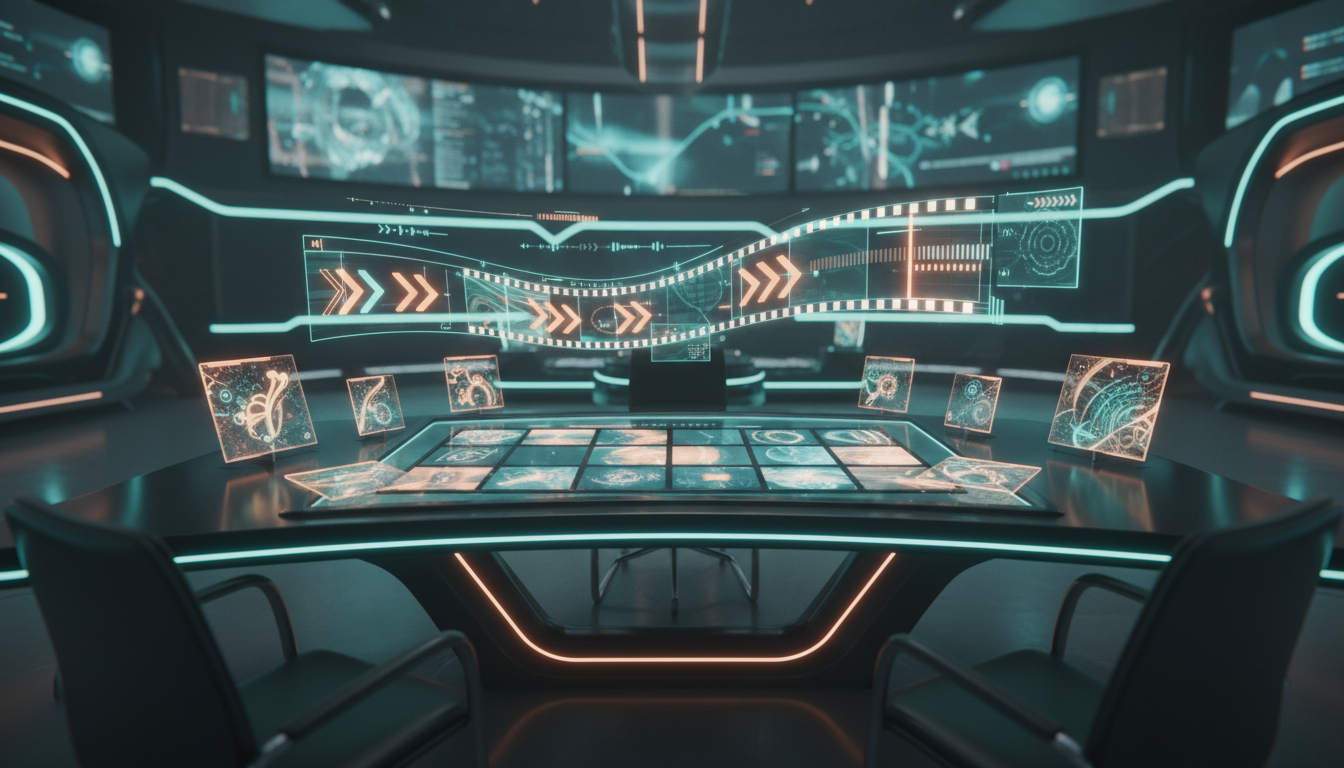
This week, the conversation has shifted. Creators are realizing that starting with an image—not a text prompt—is the key to professional-grade AI video. Welcome to the Img2Vid revolution.
What Changed This Week
The big platforms (Kling, Runway, Pika, and the newer entrants) have quietly improved their image-to-video engines while the hype machine was focused on text-to-video benchmarks. The result? Img2Vid is now producing more coherent, controllable, and cinematically satisfying results than its text-based cousin.
Creators on the bleeding edge are reporting:
- Character consistency that actually holds across multiple clips
- Camera motion that feels intentional, not accidental
- Style lock—your cyberpunk neon aesthetic stays cyberpunk neon
5 Actionable Takeaways for Your Img2Vid Workflow
1. Generate Your Key Frames First
Don't rush to video. Spend time crafting 3-5 hero images that establish your visual language—character design, color palette, lighting mood. Tools like Midjourney, FLUX, or even mAikBelieve's image generation can lock this in before you ever hit "generate video."
2. Use Motion Prompts, Not Just Camera Moves
The secret sauce in modern Img2Vid is describing what moves and how, not just "camera pans left." Try prompts like: "character turns to look over shoulder, hair moves with the motion, background stays static" instead of generic camera directions.
3. Batch Generate, Curate Ruthlessly
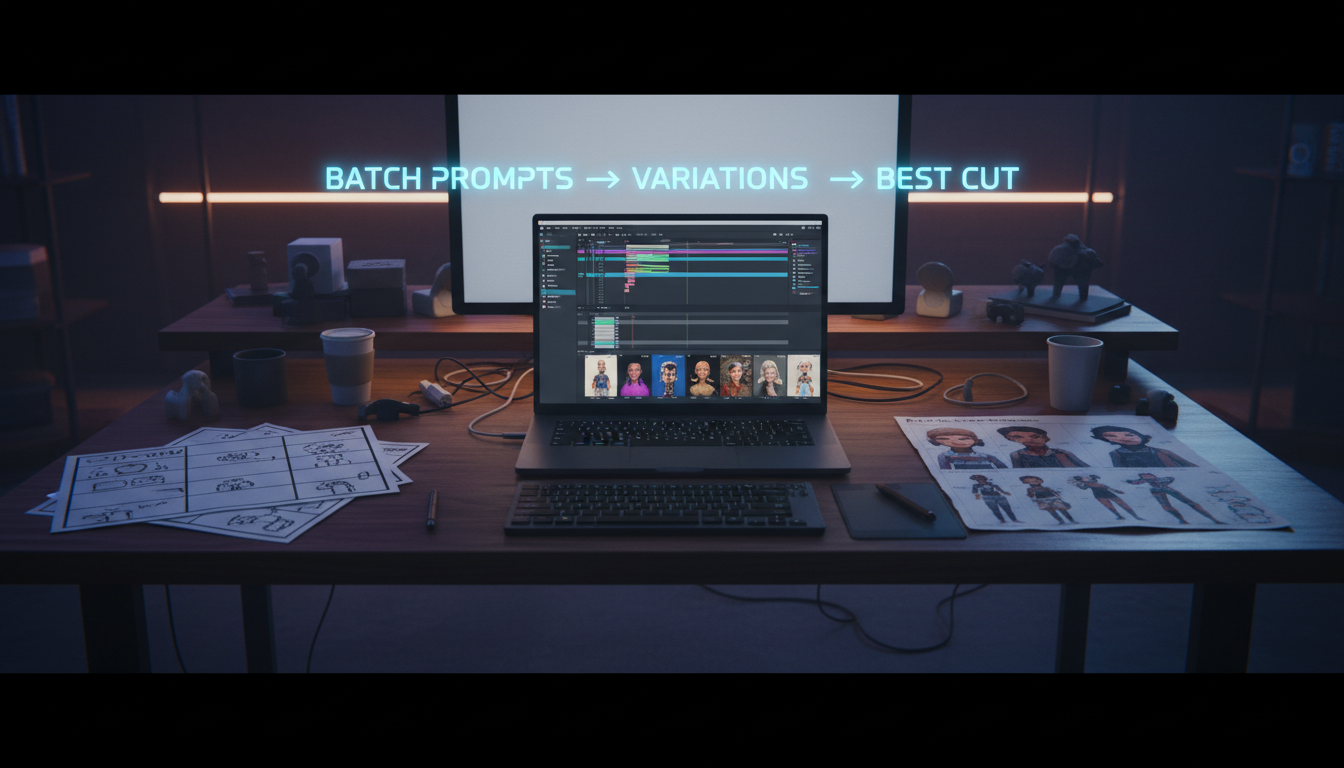
Generate 3-4 variations of each Img2Vid clip. The first isn't always the best, and having options gives you editing flexibility. Pros are generating 20+ clips to get 5 perfect ones.
4. Match Aspect Ratios Early
Nothing kills momentum like a 16:9 image you love that your video tool wants to crop to 9:16. Decide your delivery platform (TikTok, YouTube, Instagram) before you generate your base images.
5. Build a Consistency Toolkit
Save your successful image prompts, seed numbers, and motion settings. The creators winning right now are the ones who can reproduce their aesthetic on demand—not the ones starting from scratch each time.
The Repeatable Img2Vid Workflow (Checklist)
Pre-Production:
- [ ] Define your story beat (3-5 seconds max per clip)
- [ ] Choose your aspect ratio (9:16, 16:9, 1:1)
- [ ] Generate base image with locked-in style
- [ ] Review for character/object consistency
Production:
- [ ] Upload image to your Img2Vid tool
- [ ] Write motion prompt (what moves + how)
- [ ] Set camera motion (optional, subtle is often better)
- [ ] Generate 3-4 variations
- [ ] Download best 1-2 clips
Post-Production:
- [ ] Batch process clips in your editor
- [ ] Add sound design ( Img2Vid is silent—you need audio)
- [ ] Color grade for consistency across clips
- [ ] Export and publish
How mAikBelieve Helps
mAikBelieve was built for this workflow. Instead of bouncing between separate image generators, video tools, and editing suites, you get a unified Img2Vid pipeline.
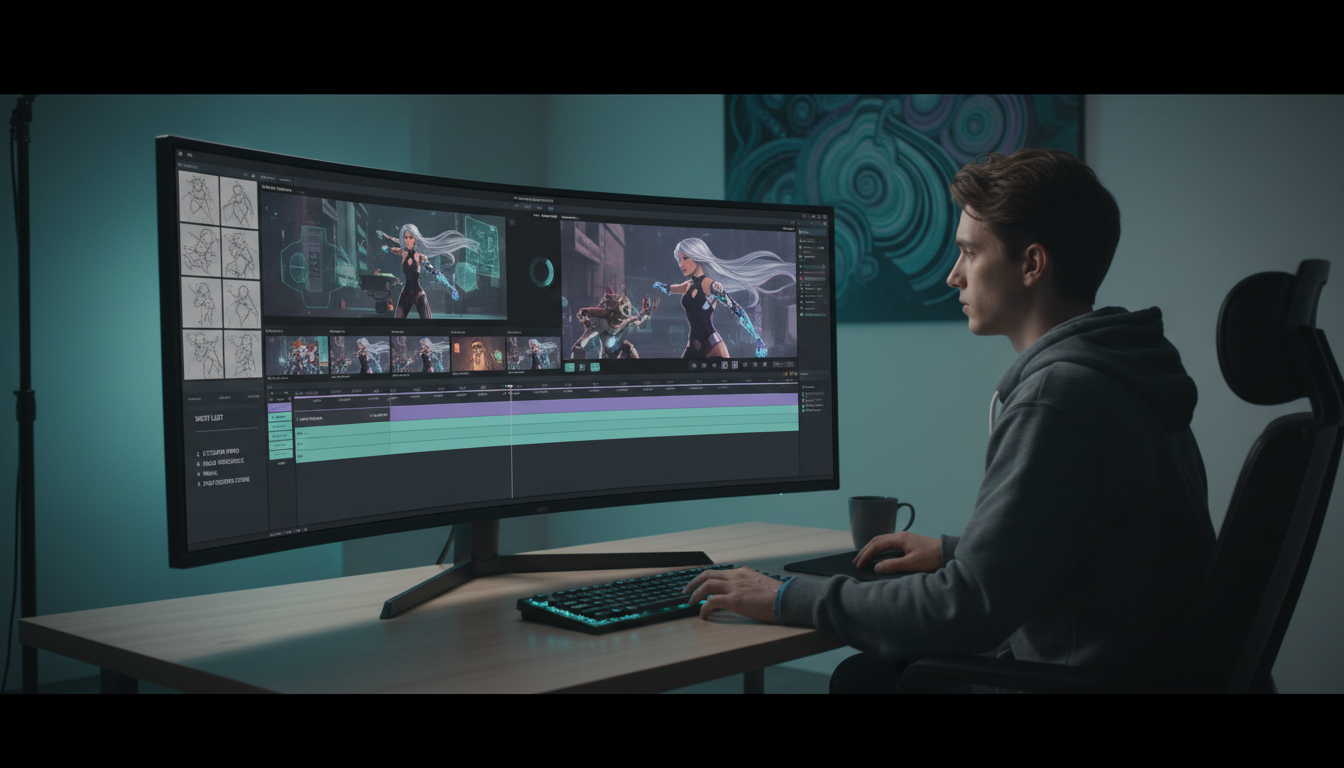
Start by creating characters that stay consistent. Generate images with your locked-in style. Then push those images directly into video generation with motion controls that understand context—not just generic camera movements. Edit, add sound, and export without leaving the platform.
The result? What used to take 4+ tools and hours of context-switching now happens in one coherent workflow. Your characters look the same in frame 1 and frame 100. Your aesthetic stays locked. And you spend less time fighting tools and more time creating.
Ready to try the Img2Vid approach? Start creating on mAikBelieve and see why creators are calling it the smartest way to make AI video right now.
Got a killer Img2Vid tip we missed? Share it with the community—best workflows win.
Related Articles
Ready to Create Amazing AI Videos?
Join thousands of creators using mAikBelieve to generate stunning AI-powered trailers and stories.
Get Started Free