Why Camera Motion Is the New Superpower in AI Video Generation
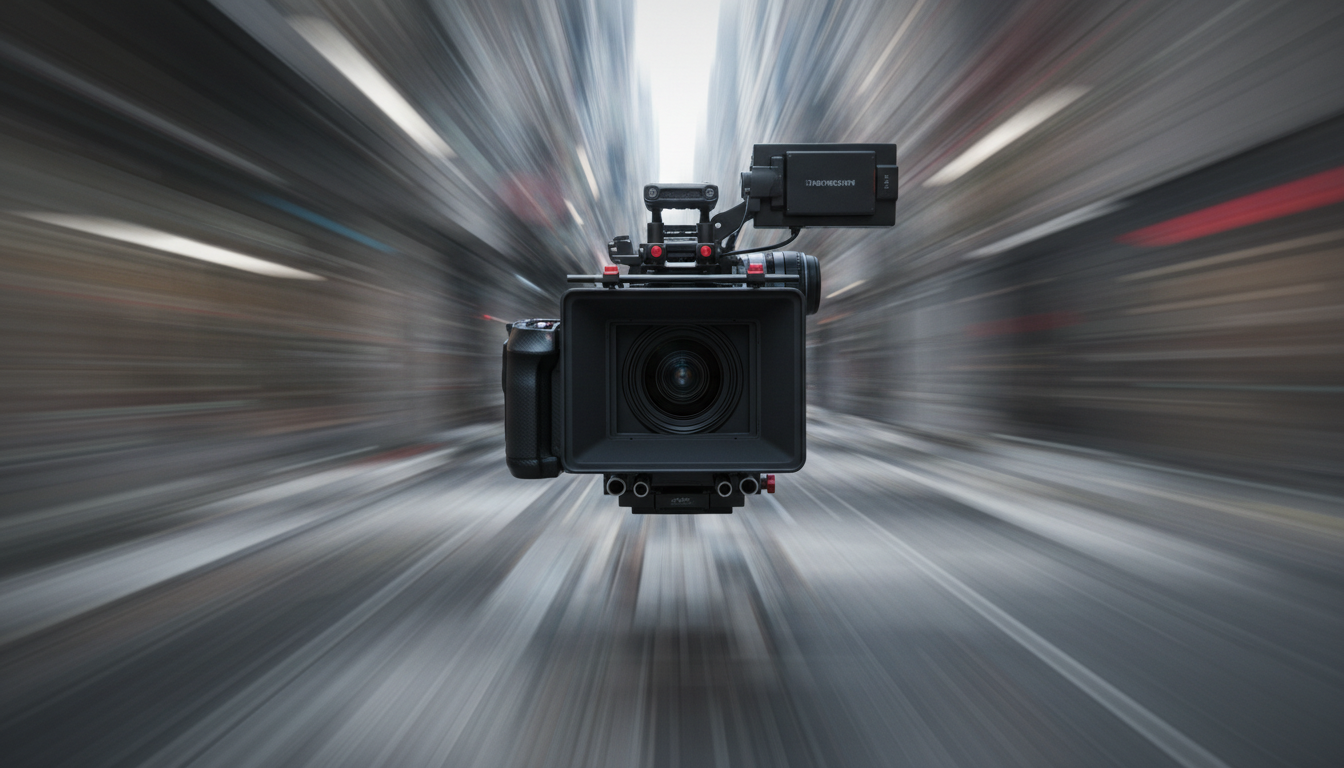
Why Camera Motion Is the New Superpower in AI Video Generation
The shift from static shots to cinematic movement is reshaping what's possible with AI video—and creators who master it are pulling ahead.
For months, AI video was all about getting characters to look right, fingers to render correctly, and motion to feel natural. Those problems aren't fully solved, but something bigger is happening: camera control has become the differentiator between AI clips that look like experiments and ones that feel like film.
This week, we're seeing a clear inflection point. Creators aren't just generating video—they're directing it.
What's Changed: From Generation to Direction
Early AI video tools gave you a prompt and prayed. You'd type "a cyberpunk street at night" and hope the camera didn't do something nauseating.
Now, model providers are shipping precise camera controls:
- Kling 3.0 added explicit camera motion parameters (pan, zoom, orbit, dolly)
- Veo 2 introduced cinematic camera syntax in prompts
- Runway Gen-3 supports motion brush for selective movement + camera pathing
- Luma Dream Machine improved native camera handling for complex scenes
The result? Creators can now specify: "Slow dolly in on the subject's face, then orbit 180° around them as they turn to face the light."
5 Actionable Camera Techniques for AI Video
1. The Reveal (Slow Zoom + Pan)
When to use: Establishing shots, product reveals, dramatic entrances.
How to prompt it:
Slow push-in camera movement starting wide, gradually zooming toward [subject]. Subtle pan right as camera approaches. Cinematic 24mm lens, shallow depth of field.
Why it works: Builds anticipation. The viewer's eye is guided exactly where you want it.
2. The Orbit (360° Rotation)
When to use: Showcasing characters, products, or environments from all angles.
How to prompt it:
Camera orbits slowly around subject at consistent distance. Smooth circular motion, subject remains centered. 50mm cinematic lens, soft natural lighting.
Pro tip: Orbits work best with strong subject isolation. Use depth of field to keep focus locked.
3. The Dolly Zoom (Vertigo Effect)
When to use: Disorientation, emotional intensity, dramatic reveals.
How to prompt it:
Dolly zoom effect: camera pulls backward while zooming in, background compresses dramatically. Subject face remains same size. Hitchcock-style cinematic motion.
Why it works: Creates subconscious tension. The world shifts around a stable subject.
4. Handheld/Documentary Motion
When to use: Realism, action sequences, intimate moments.
How to prompt it:
Subtle handheld camera motion, slight breathing movement, gentle micro-jitters. Documentary style, follows subject naturally. 35mm lens, available light.
The secret: Don't overdo it. AI can amplify shakiness. Request "subtle" or "gentle" explicitly.
5. Locked Camera with Subject Motion
When to use: Performance shots, dialogue, emphasis on character over environment.
How to prompt it:
Static locked-off camera. No camera movement. Subject moves toward camera, filling frame gradually. Shallow depth of field, subject in sharp focus.
Why it matters: Sometimes the absence of camera motion is the most powerful choice.
Your Camera Motion Checklist
Before generating your next AI video, run through this:
- [ ] What's the emotional beat? (Match motion to mood: smooth = calm, shaky = tense, fast = action)
- [ ] Where should the viewer look? (Use camera movement to guide attention)
- [ ] Does it serve the story? (Avoid flashy camera work that distracts from content)
- [ ] Have I specified lens and speed? ("Slow dolly" vs "fast zoom" = completely different feel)
- [ ] Will this combine well? (If doing img2vid, does camera motion complement the source image?)
How mAikBelieve Helps
Camera motion in AI video isn't just about typing the right words—it's about controlling the chaos.
mAikBelieve gives you the precision most creators are missing:
-
Consistent framing across sequences — When you're generating multiple clips that need to cut together, our workflow maintains character position, lighting consistency, and camera height so your motion doesn't break continuity.
-
Motion-aware character handling — Camera movement amplifies any flaws in subject consistency. mAikBelieve's img2vid pipeline anchors your character's core features even as the camera orbits, zooms, or tracks.
-
Prompt templates that work — Our preset camera motions (dolly in, orbit left, push through) are tested against current models and include the precise syntax each provider expects.
-
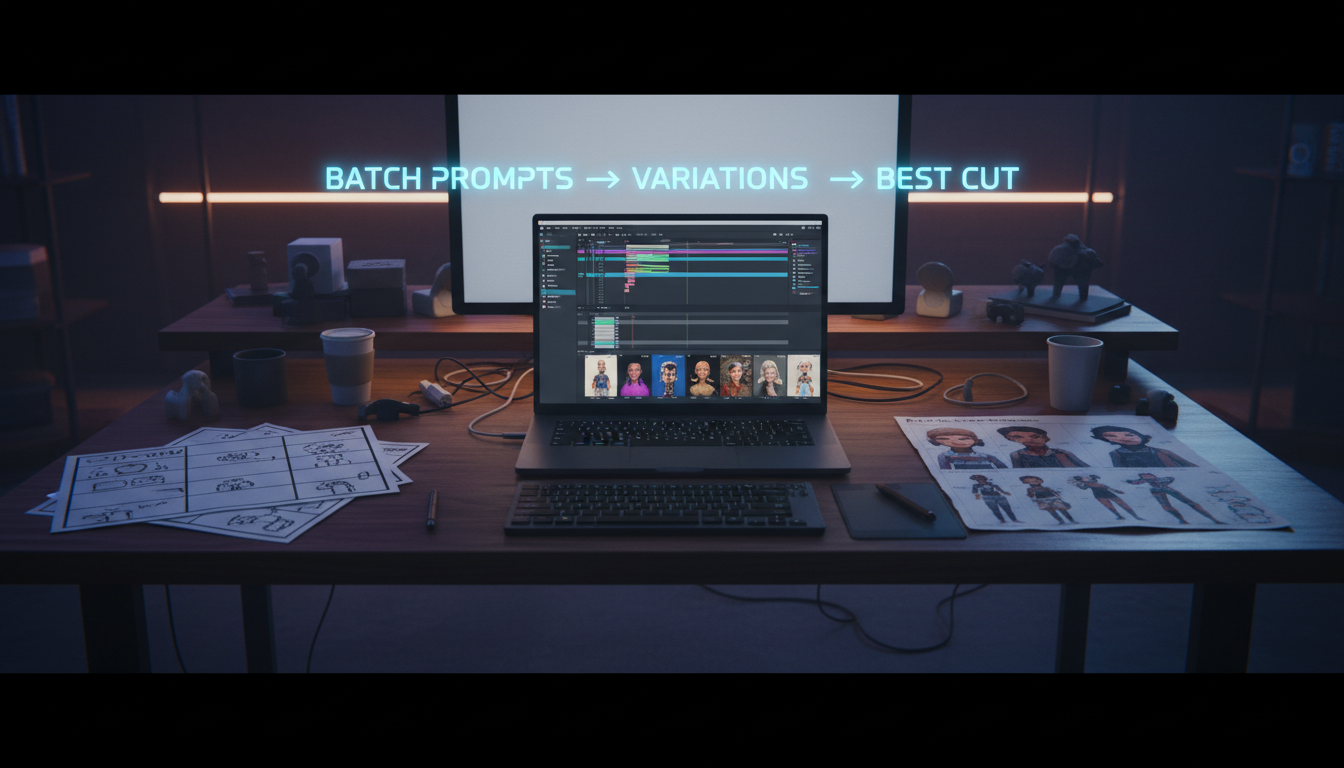
Batch generation for coverage — Smart creators shoot coverage (multiple angles/takes). mAikBelieve's batch system lets you generate 6 camera variations from one source image, then pick the motion that serves your scene best.
The bottom line: Camera motion separates hobbyists from professionals in AI video. With the right tools and techniques, you're not just generating clips—you're directing films.
Ready to add cinematic camera work to your AI video workflow? Try mAikBelieve today.
Related Articles
Ready to Create Amazing AI Videos?
Join thousands of creators using mAikBelieve to generate stunning AI-powered trailers and stories.
Get Started Free