AI Lip Sync Is the Missing Link in Your Video Pipeline — Here's the Workflow
AI Lip Sync Is the Missing Link in Your Video Pipeline — Here's the Workflow
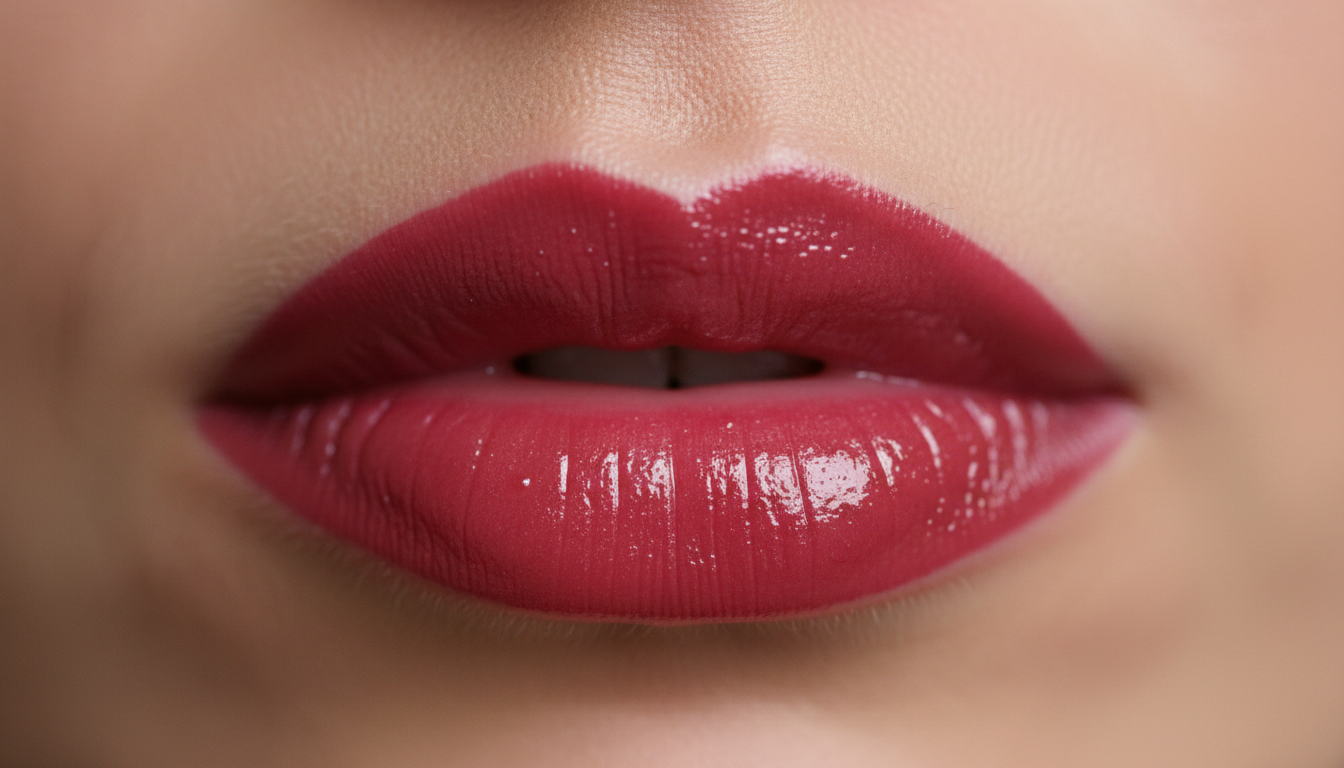
The biggest tell that a video is "AI-generated" isn't the visuals anymore. It's the audio.
You can generate stunning 4K cinematic shots with Kling 3.0 or Veo 2, but the moment a character opens their mouth and the audio doesn't match... the illusion shatters. This is why professional creators are now treating AI lip sync as a mandatory final step — not a nice-to-have.
Here's what's changed in the last month, and the repeatable workflow you can steal.
Why Lip Sync Became Critical (February 2025)
Model providers have crossed the uncanny valley on motion, lighting, and physics. The new frontier is temporal consistency at the facial level. Several breakthroughs hit this week:
- Kling 3.0 shipped native lip sync support with multi-language phoneme mapping
- Open-source tools like Wav2Lip and Video Retalking merged with new diffusion-based refiners
- Character consistency pipelines now include "mouth region masking" as a standard preprocessing step
The result? You can now take any AI-generated character video and match it to dialogue, singing, or even real-time voice clone output — without the jarring jaw-wobble that gave away synthetic content six months ago.
5 Actionable Takeaways for Your Next Project
1. Generate audio FIRST, video second Most creators do this backwards. Write your script, generate the voiceover (ElevenLabs, Cartesia, or your preferred TTS), then generate the video to match the phoneme timing. AI video models are increasingly "audio-conditioned" — give them the waveform and they animate the mouth region more accurately.
2. Use a two-stage lip sync pipeline Don't expect one tool to do everything. Stage 1: rough alignment (fast, cheap). Stage 2: diffusion-based refinement (high-quality mouth interior details). Stage 3 (optional): manual mask touch-ups for close-up shots.
3. Separate face from background for consistent characters Generate your character's face/upper body with tight framing. Composite onto a separately generated (or real) background. This prevents "face drift" across long sequences and lets you re-sync audio without regenerating the entire scene.
4. Export phoneme timing data
Most TTS tools now export .json or .srt files with word-level timestamps. Feed this into your lip sync tool instead of relying on auto-detection. It's more precise and cuts processing time.
5. Test with "unnatural" audio If your lip sync holds up on fast rap, whispered dialogue, and emotional yelling — it'll handle normal speech. Stress-test your pipeline with edge cases before finalizing.
The Repeatable Workflow (Copy This)
STEP 1: Script → TTS (ElevenLabs, etc.)
        ↓ Export audio + phoneme timing

STEP 2: Generate base video (Kling/Veo/etc.)
        ↓ Use "portrait" or "character" mode
        ↓ Tight framing on face/upper body

STEP 3: Run lip sync alignment
        ↓ Tool: Wav2Lip, Kling native, or maikbelieve pipeline
        ↓ Input: video + audio + timing data

STEP 4: Diffusion refinement (optional)
        ↓ Run through frame-interpolation + mouth region upscaling
        ↓ Check: teeth visibility, tongue position, cheek deformation

STEP 5: Composite + color grade
        ↓ Merge face plate with background
        ↓ Match lighting/color temperature

STEP 6: Quality gate
        ↓ Watch at 0.5x speed for mouth slippage
        ↓ Check 3+ random frames for teeth consistency
        ↓ Pass? Export. Fail? Return to Step 3.
How maikbelieve Helps
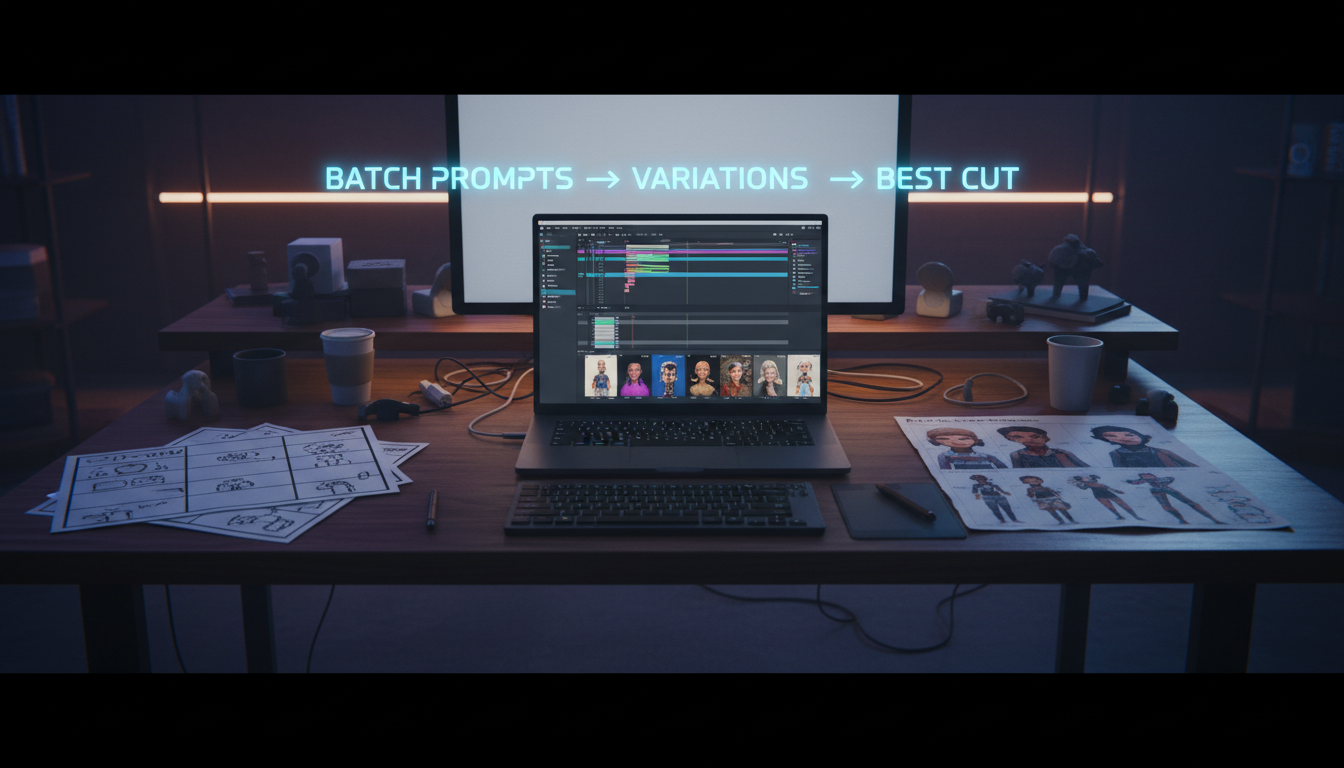
Most creators waste hours stitching together 4-5 different tools for this workflow. maikbelieve unifies the critical path: character generation → audio sync → final polish in one pipeline.
Instead of exporting phoneme files from ElevenLabs, importing to a separate lip sync tool, then importing that to a video editor for compositing — you describe what you want, upload your audio, and maikbelieve handles the masking, alignment, and background compositing automatically. The pipeline is built on the same research-grade models (Kling, open-source sync networks) but wrapped in a workflow that actually respects your time.
If you're building AI video content at scale, this isn't just a convenience. It's the difference between shipping 2 videos a day vs. 10.
Bottom line: Lip sync used to be the compromise. Now it's the competitive advantage. Get your workflow tight before everyone else catches up.
Related Articles
Ready to Create Amazing AI Videos?
Join thousands of creators using mAikBelieve to generate stunning AI-powered trailers and stories.
Get Started Free